Sadly our customiser can only handle one corner unit per side for now. If you require a more complicated design, a member of our team will be more than happy to help you with that.
Draco Grills are available through selected UK retail partners. Visit a specialist showroom to experience the range in person, or order online through approved national retailers.
If you are early in the planning stage, our FAQ covers common questions around layout, utilities and materials (including our 304 stainless steel kitchens). If you would like help choosing the right configuration, you can also reach us via Contact Us.

Dedicated outdoor living showroom featuring the Draco Grills modular kitchen range. View real configurations in person, compare finishes, and speak to a specialist team about layouts, utilities and installation planning.

Selected Draco Grills models are available to order through the B&Q website. Ideal if you already know what you want and prefer a direct online checkout. Not displayed in physical stores.

Draco Grills are available for direct online ordering through The Range. A convenient option for nationwide delivery. No in-store display availability.

Premium garden building and outdoor living specialists. A strong choice if you are planning a full outdoor project and want to integrate Draco modular kitchens into a wider garden design.
Not sure which retailer route is best? A quick rule of thumb:
For planning questions (materials, utilities, care), visit our FAQ. For advice on choosing a configuration, contact our team via Contact Us.
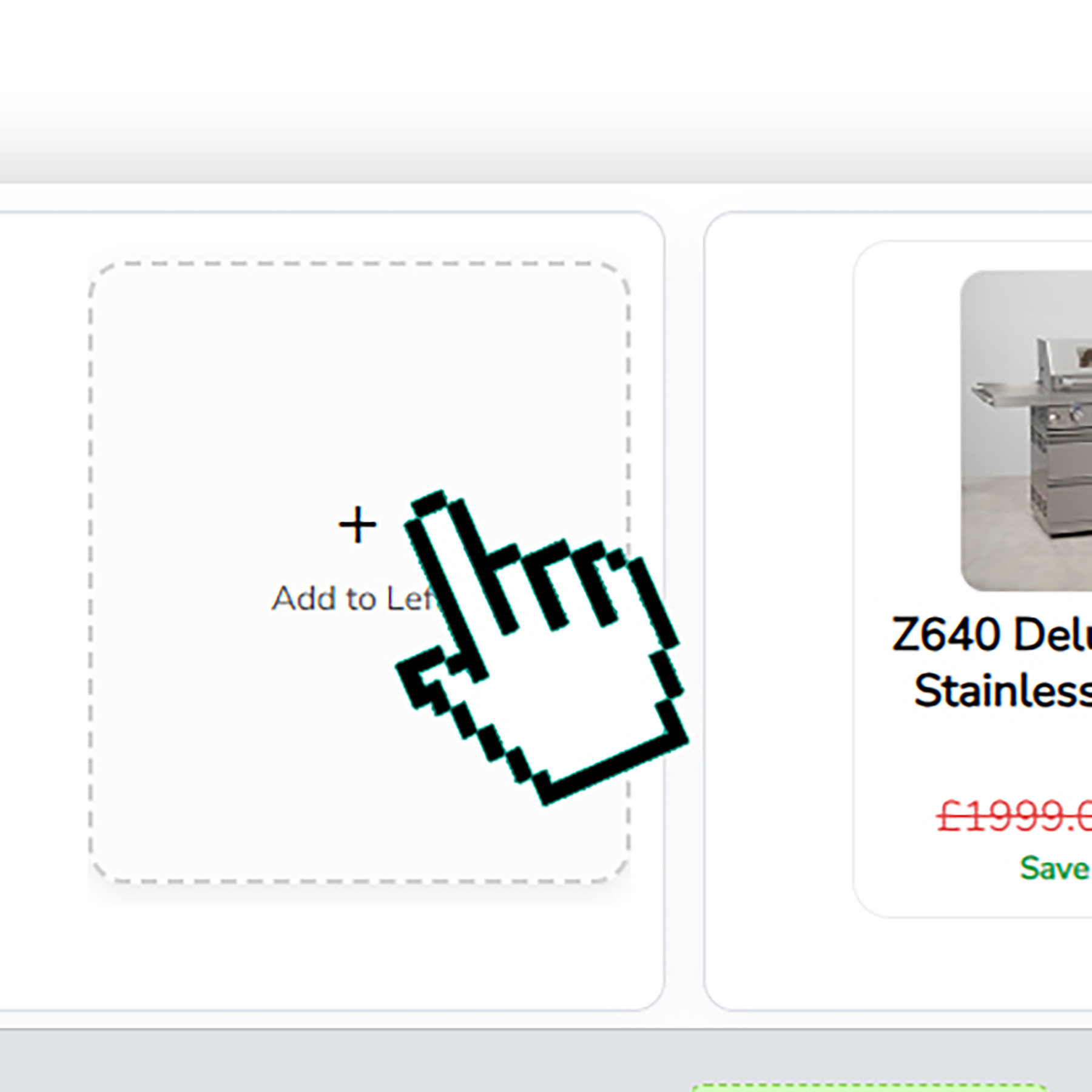


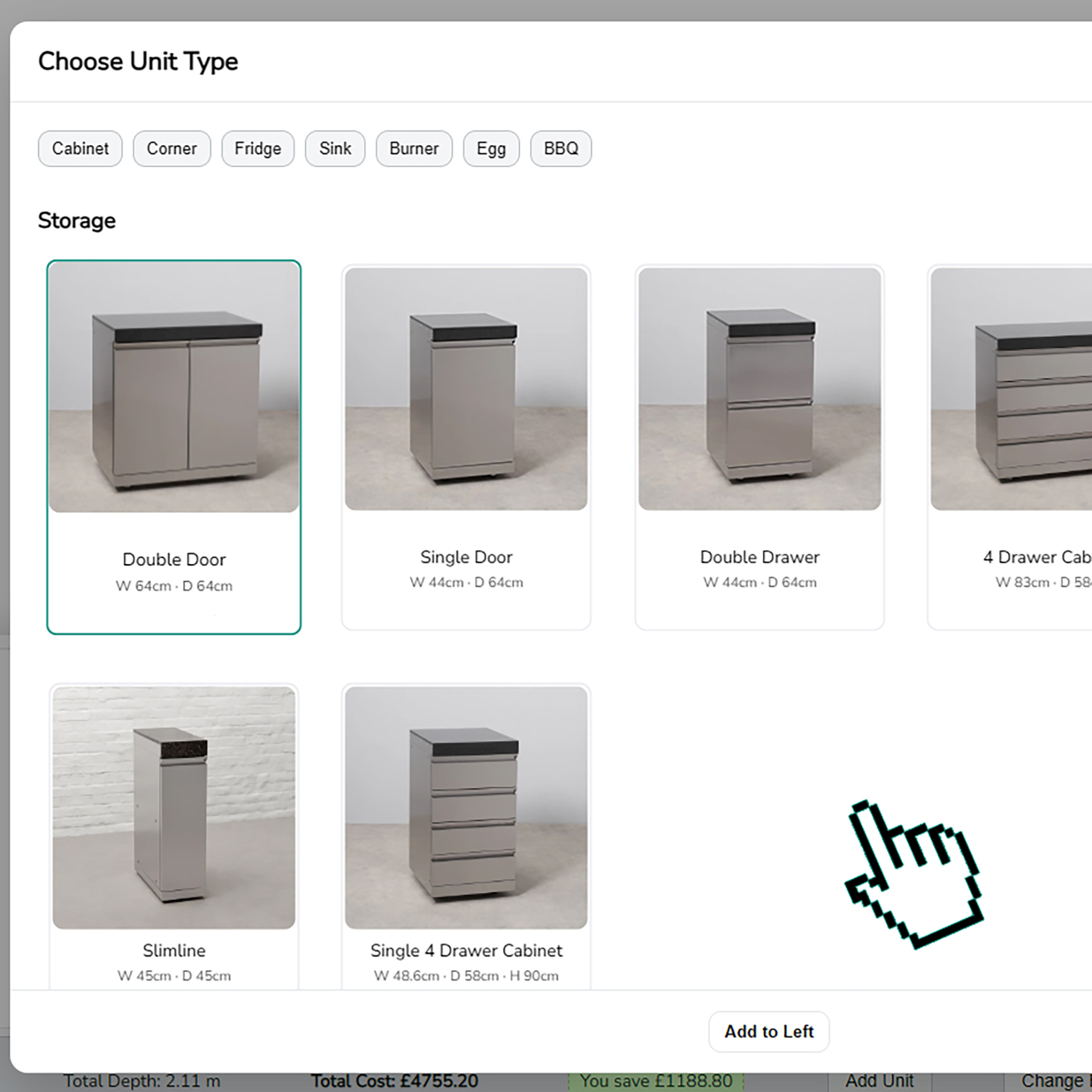
Tap Add to Left or Add to Right in the bottom bar. A list of unit cards opens. Tap the picture or title you want, then tap Add. The unit will appear next to the BBQ in the 3D scene and you will see its tile show up in the Kitchen Info strip (the bottom/right list of units in your scene).
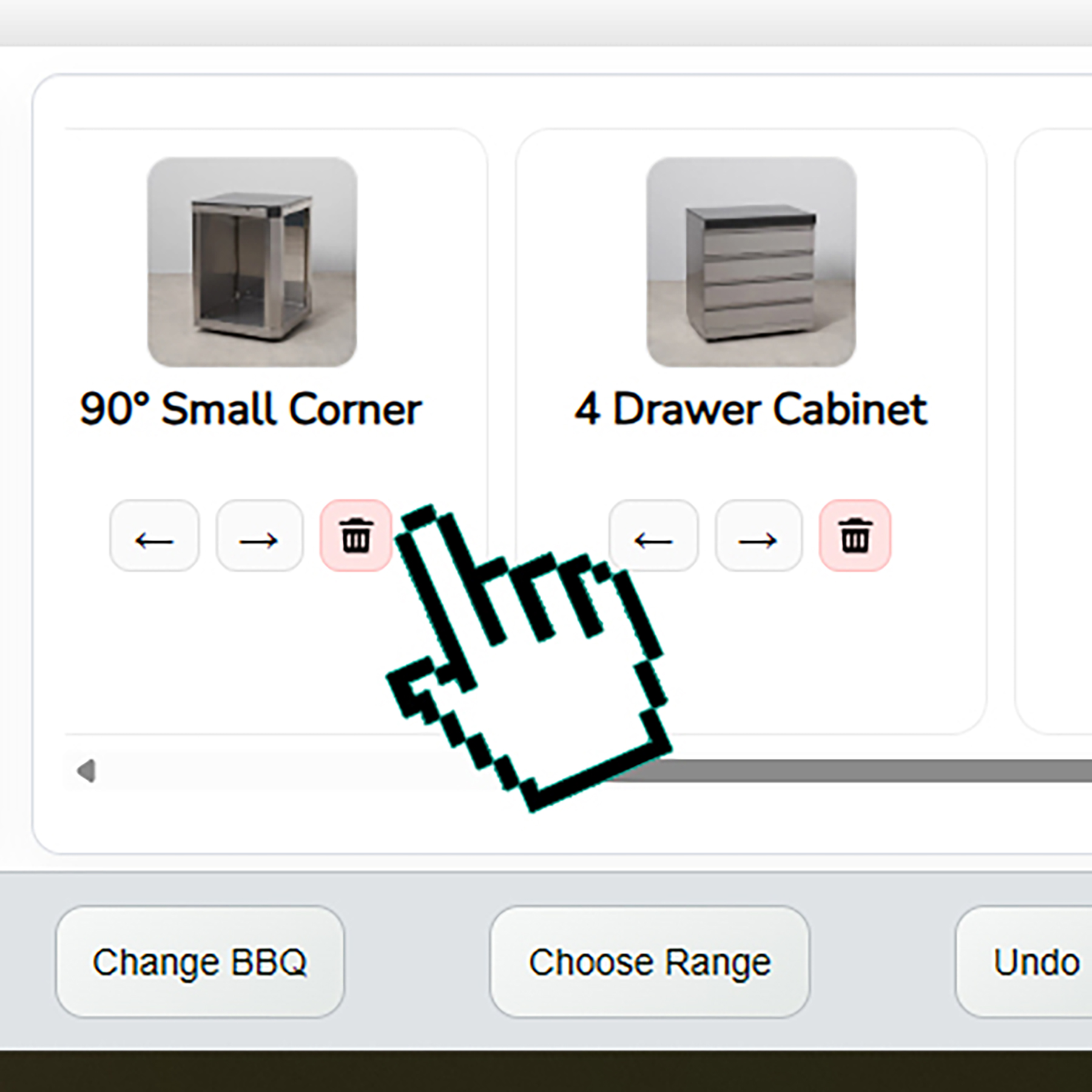
Click the unit in the 3D scene so it highlights and its small buttons appear. Tap the little bin icon to remove it; the Kitchen Info strip tile for that unit will also disappear. If you prefer, right-click the unit and pick Remove unit from the small menu.
Click the unit in the 3D scene. It will highlight and the matching card in the Kitchen Info strip (bottom/right list) will highlight too. Small left/right arrows appear on the unit; tap an arrow to nudge the unit along the run. You can also click-and-hold its tile in the Kitchen Info strip or the mobile HUD, drag it left or right, and let go to drop it in a new spot.
When the unit selector is open, tap the picture or title of the unit you want so it is selected, then tap Add. If you tap a unit title in the Kitchen Info strip (the bottom/right list of your placed units), the camera jumps to that unit in the 3D scene and selects it.
A single click selects the unit, highlights it, and shows the move arrows and bin. The same unit tile in the Kitchen Info strip also highlights so you can see which one it is in your list.
Right-click a unit in the 3D scene to open a small menu. Tap Remove unit there if you want to take it out without using the bin button.
Click-and-hold a unit tile in the Kitchen Info strip (the bottom/right list of your units) or the mobile HUD. Drag it left or right until it sits where you want, then let go to drop it. The 3D scene updates to match the new order.
Yes. Tap the Choose Core Unit button in the bottom bar to swap to another core unit. Tap Choose Range to switch between Stainless Steel and Black ranges; all units will follow the chosen range.
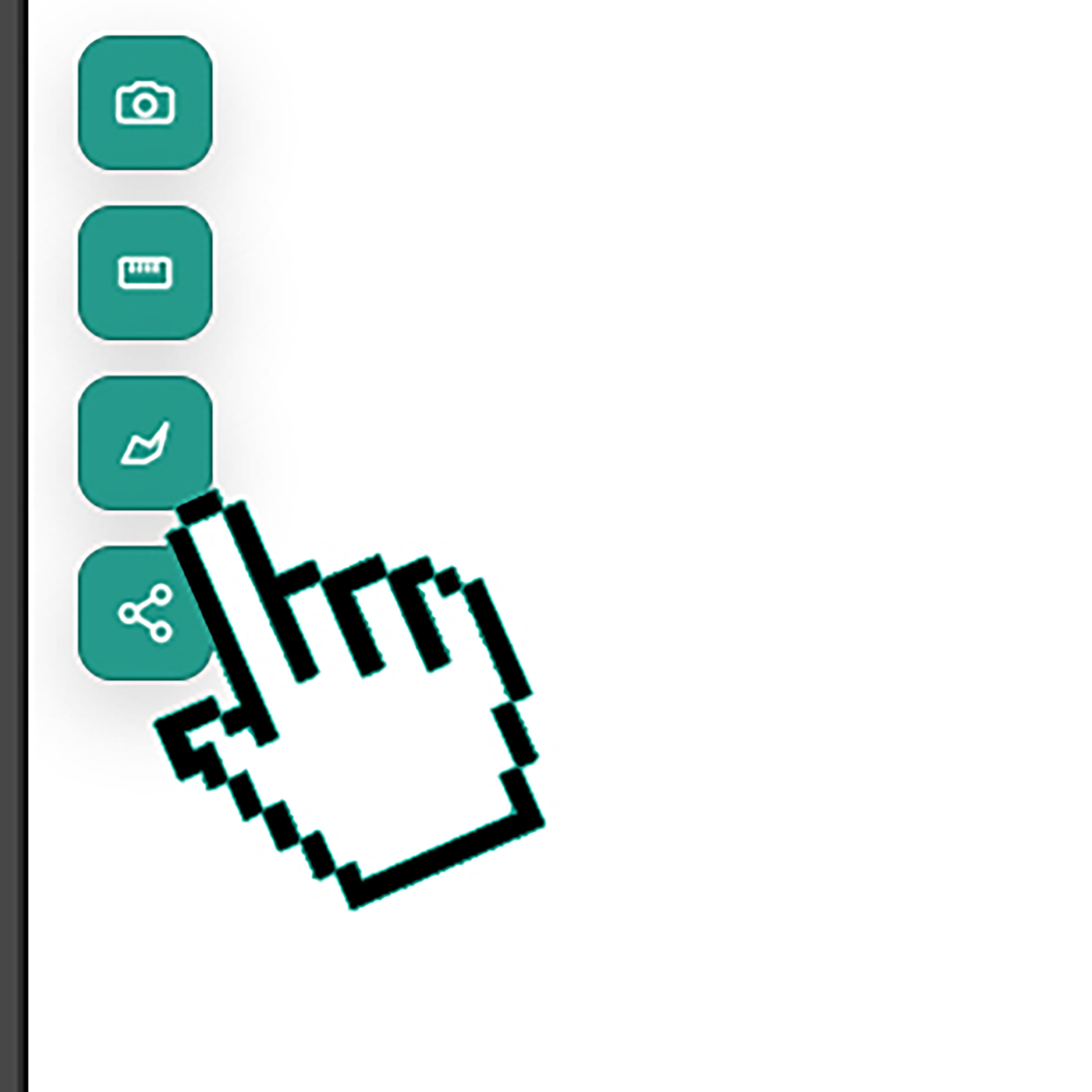
Tap Share to copy a link to your build that you can send to someone else. Tap the small camera button to download a picture of your current layout and save it.
It helps you build your own Draco Grills outdoor kitchen by mixing and matching units around your core unit, then saving or sharing the design.
The Garden Trends team is happy to help with layouts, availability, and ordering anytime.
Please share your name and email so Draco Grills can support your customiser journey and follow up on your enquiry. By selecting Start, you agree to our Customiser Terms and Conditions, including data sharing with our sister company Garden Trends.